

AI Image Editor
Edit photos with simple text prompts to remove objects, change scenes, and more.
Upload a photo and AI removes the background in one click, placing your subject on a clean, pure white background.
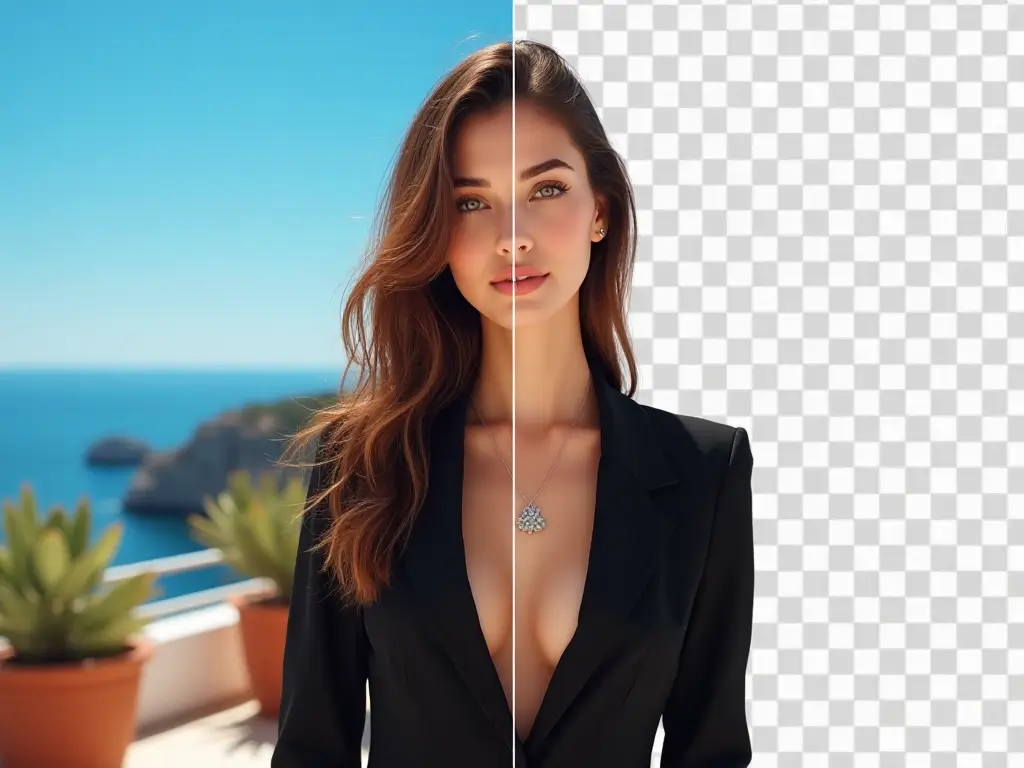
Get a clean subject on a white background without manual masking, ready for stores, profiles, and design work.
Create the clean white backdrop that most marketplaces and online stores expect for main product images.
Remove messy rooms or busy streets from portraits for LinkedIn, team pages, and resumes.
Isolate people, pets, or objects so they drop easily into banners, slides, and social posts.
Manual cutouts take time and practice. AI does the work for you and handles tricky edges like hair and fur.
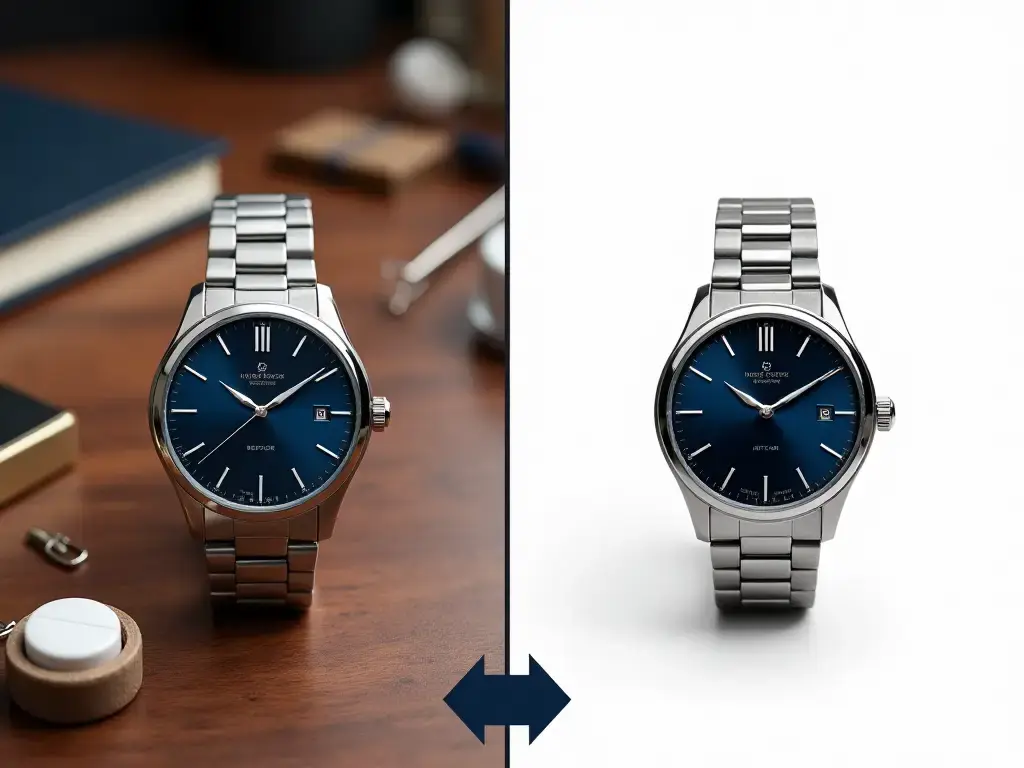
Three steps to a clean white-background photo
Choose a photo where the subject is clearly visible. Good contrast with the background gives the sharpest edges.
Run the tool. No prompt is needed: the AI isolates the subject and places it on pure white.
Zoom in on hair and outlines, then download the result or send it to another AI image tool.
Everything you need for quick, clean background removal.
The AI finds the main subject in your photo and removes everything behind it.
The output uses a solid white background with no shadows, gradients, or checkerboard pattern.
The subject's colors, textures, and shape stay exactly as they were in the original photo.
The result matches your photo's proportions, so it fits straight into your existing layout.
Need a new scene instead? Send the photo to AI Background Changer, or sharpen it with AI Image Enhancer.
Upload common image formats and download the white-background result when it is ready.
Answers about cutouts, white backgrounds, edge quality, and credits
Upload a photo and get your subject on a clean white background in one click.


