

AI Image Editor
Edit photos with simple text prompts to remove objects, change scenes, and more.
Replace any photo background with a scene you describe or a background image you upload, while your subject stays exactly the same.
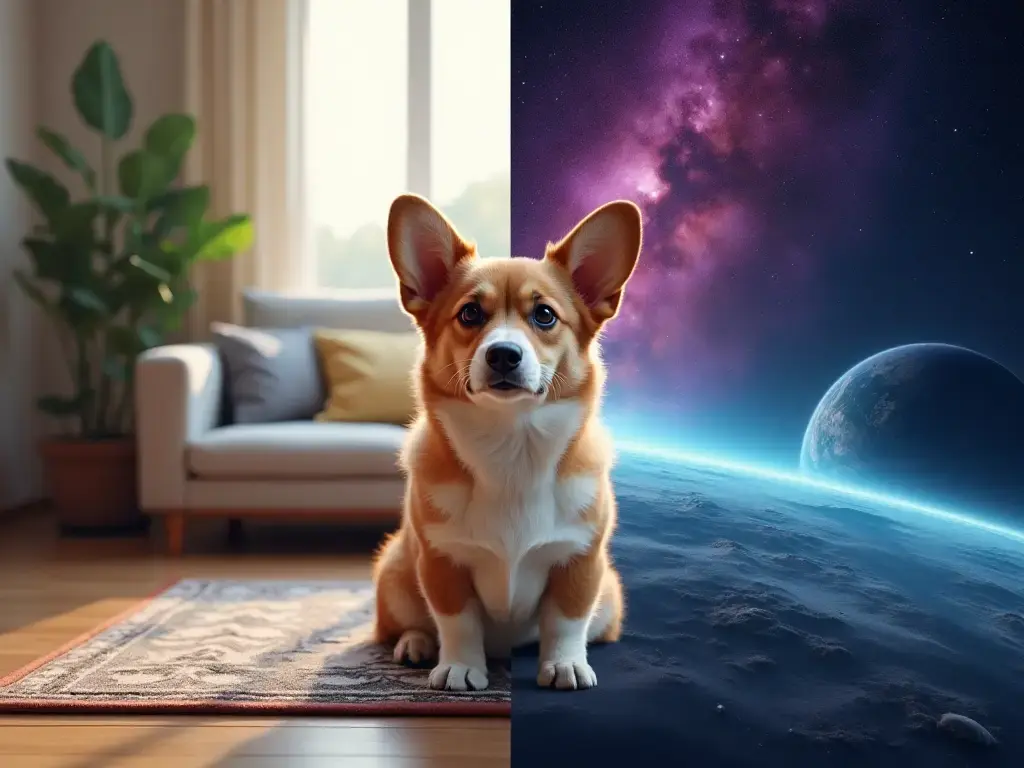
Keep the person or product you love and put it somewhere new, from a clean studio to a beach at sunset.
Place products on marble, wood, or in styled lifestyle scenes for online stores, ads, and social posts.
Move a headshot into an office, a city street, or a soft studio backdrop for profiles and personal branding.
Reuse approved photos with holiday, summer, or branded backgrounds instead of planning a new photoshoot.
A realistic background swap usually means careful masking, matching the light, and painting shadows. The AI handles all of it in one step.
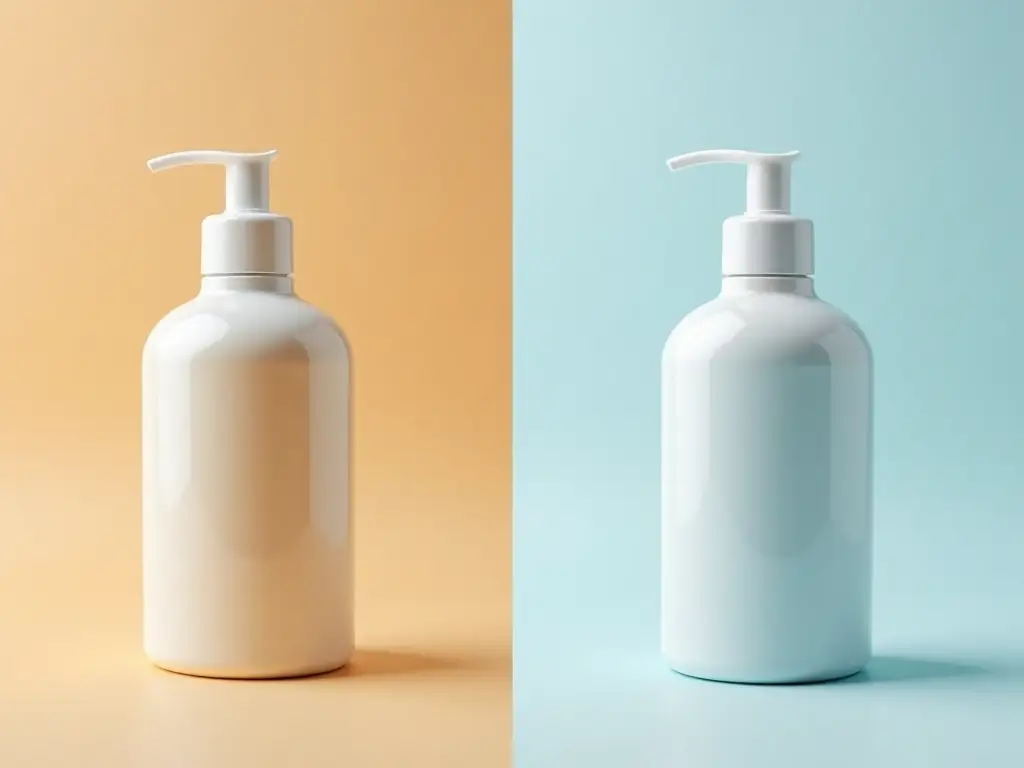
Swap any photo background in three steps
Choose an image where the person or product is clearly visible and framed the way you want.
Describe the scene, upload a background image as Image 2, or leave both empty and let the AI decide.
Check that the lighting and edges look natural, try another scene if you want more options, then download.
Everything you need to swap photo backgrounds that look real.
Type a scene such as "minimal beige studio with soft window light" and get it behind your subject.
Add a second image and the AI recreates its setting, style, and lighting behind your subject.
No idea yet? Run the tool without a prompt and the AI picks a realistic setting for your subject.
The old background is fully removed, with no halos or seams around hair and outlines.
The output matches your photo's proportions, ready to drop into existing layouts.
Upload common image formats and download the new version when it is ready.
Answers about replacing backgrounds, background images, realism, and credits
Upload a photo, describe or upload a new background, and get a realistic result with your subject untouched.


