

AI Image Editor
Edit photos with simple text prompts to remove objects, change scenes, and more.
Upscale low-resolution images to 2K or 4K with AI, adding sharp, natural detail without changing the content.
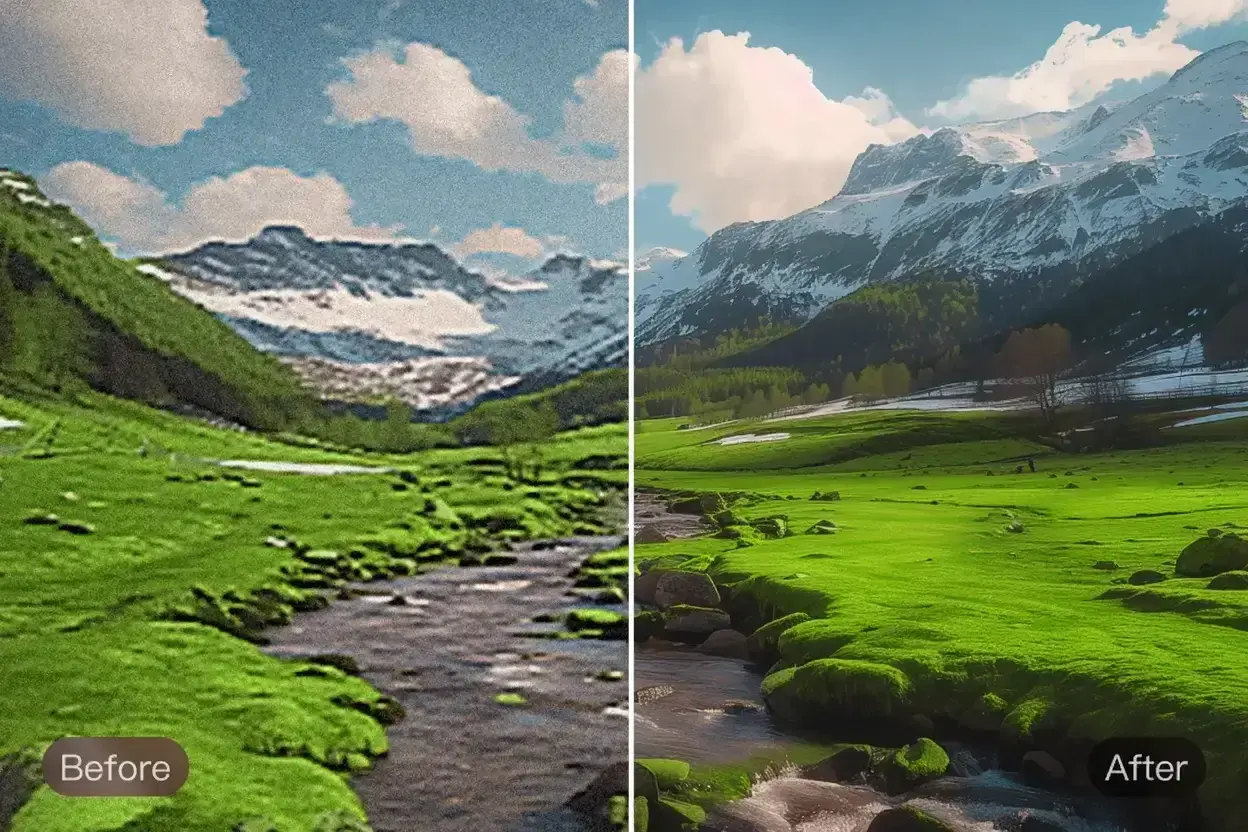
Use AI upscaling when the image looks right but the file is too small for where it needs to go.
Turn small images into 4K files that hold up on posters, flyers, photo prints, and large displays.
Give product photos the resolution shoppers need when they zoom in on listings and store pages.
Upscale AI-generated images, screenshots, or social graphics for banners, slides, wallpapers, and websites.
Stretching a small image in a regular editor only enlarges the blur. AI upscaling reconstructs detail, so the bigger image still looks sharp.
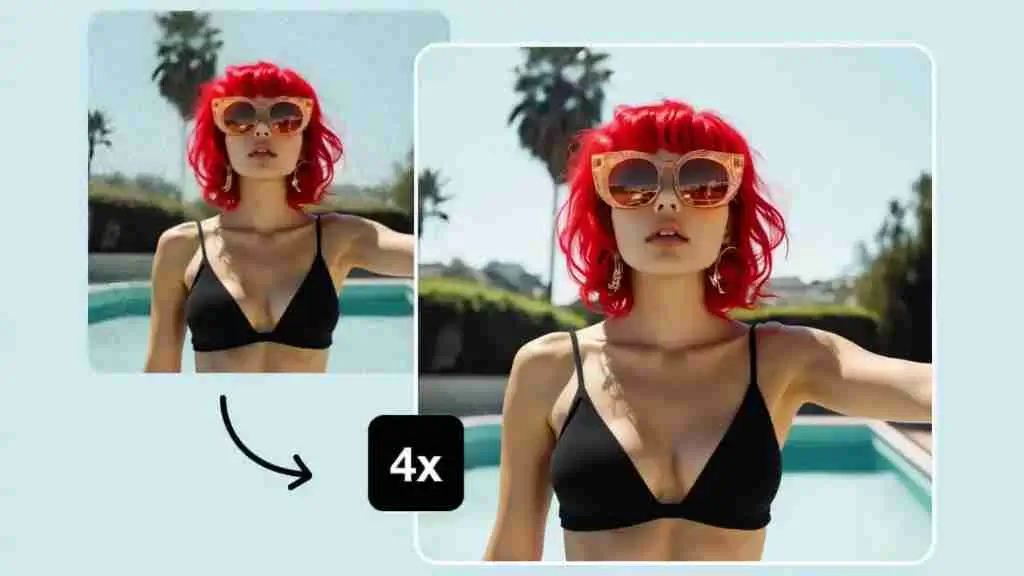
Increase image resolution in three steps
Add the best version you have. A cleaner source gives a sharper upscale.
Pick the output resolution and run the tool. No prompt is needed.
Zoom in to compare with the original, then download the high-resolution file.
Everything you need to turn a small image into a sharp, high-resolution file.
Choose the resolution you need for web, print, or large screens.
Rebuild sharp, natural textures instead of the soft, blocky look of ordinary resizing.
Remove blur, grain, and JPEG compression artifacts while the image gets bigger.
The upscaled image has the same proportions as your original, ready to replace it anywhere.
For very noisy or dull photos, enhance first and then upscale for the best final file.
Upload common image formats and download the high-resolution result.
Answers about increasing resolution, output sizes, print use, and credits
Upload a small or low-resolution image and get a sharp, high-resolution version that stays true to the original.


