

AI Image Editor
Edit photos with simple text prompts to remove objects, change scenes, and more.
Fix blurry, noisy, or dull photos in one click. AI sharpens detail and corrects color while keeping your image exactly as it was.
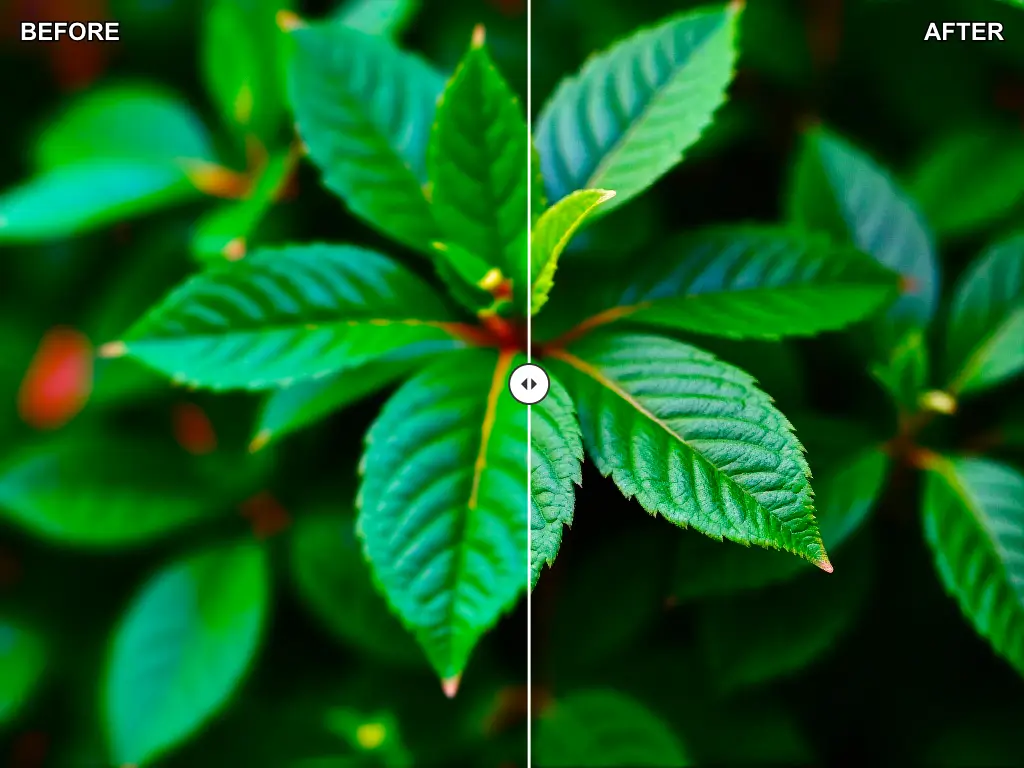
Upload a soft, grainy, or flat photo and get a cleaner, sharper version of the same image.
Recover crisp edges and fine detail in slightly out-of-focus or motion-softened shots.
Clean up low-light grain, JPEG blocks, and color banding from screenshots or reposted images.
Balance brightness, contrast, and white balance for natural, true-to-life color.
Good photos are often held back by small technical problems. The AI fixes them without changing what is in the picture.
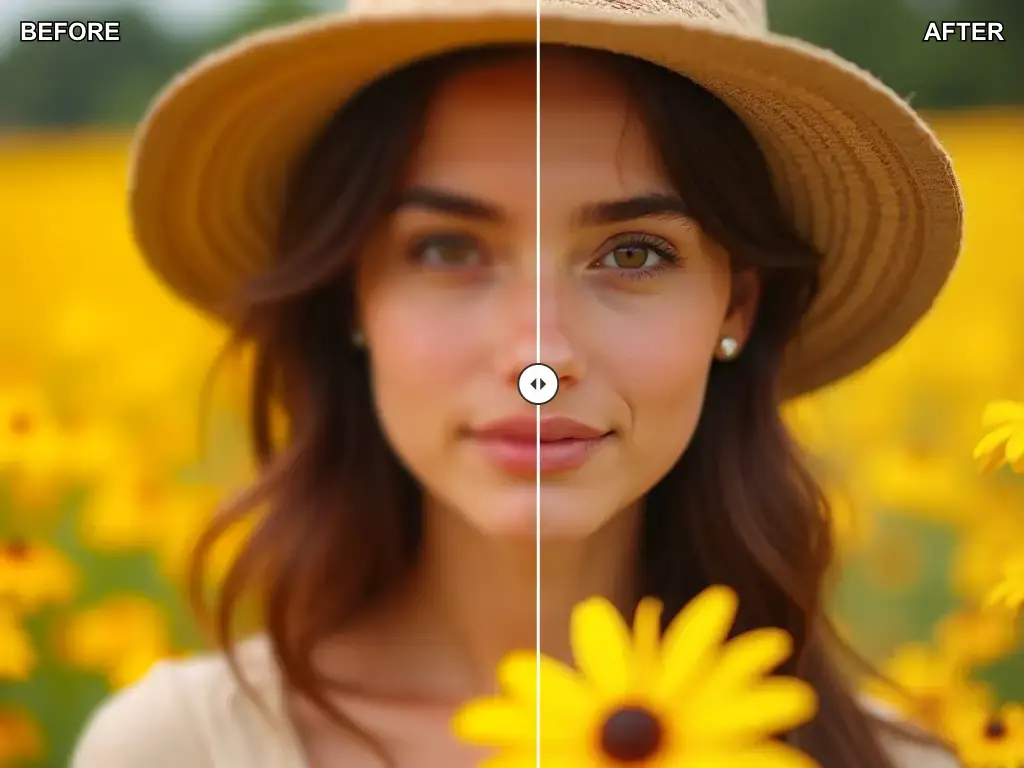
Improve photo quality in three steps
Use the highest-quality version you have. The less compressed the file, the better the result.
Run the tool. No prompt is needed: the AI fixes sharpness, noise, and color automatically.
Check the result against the original, then download it or send it to AI Image Upscaler for a larger file.
Everything you need to turn an imperfect photo into a clean, sharp image.
Restore crisp edges and fine textures without the halos of ordinary sharpening.
Reduce grain, blur, JPEG compression blocks, and banding in a single pass.
Fix flat contrast, wrong white balance, and dull colors for a natural, balanced look.
Improve portraits while keeping faces, expressions, and skin texture true to the original.
Enhance first for clarity, then upscale to 2K or 4K when you also need a bigger file.
Upload common image formats and download the enhanced photo in the same proportions.
Answers about sharpening photos, removing noise, natural results, and credits
Upload a blurry, noisy, or dull photo and get a sharper, cleaner version in one click.


