

AI Background Remover
Remove image backgrounds in seconds and place the subject on a clean white background.
Describe the change in plain words and AI edits your photo: remove objects, swap details, or change the scene without Photoshop.
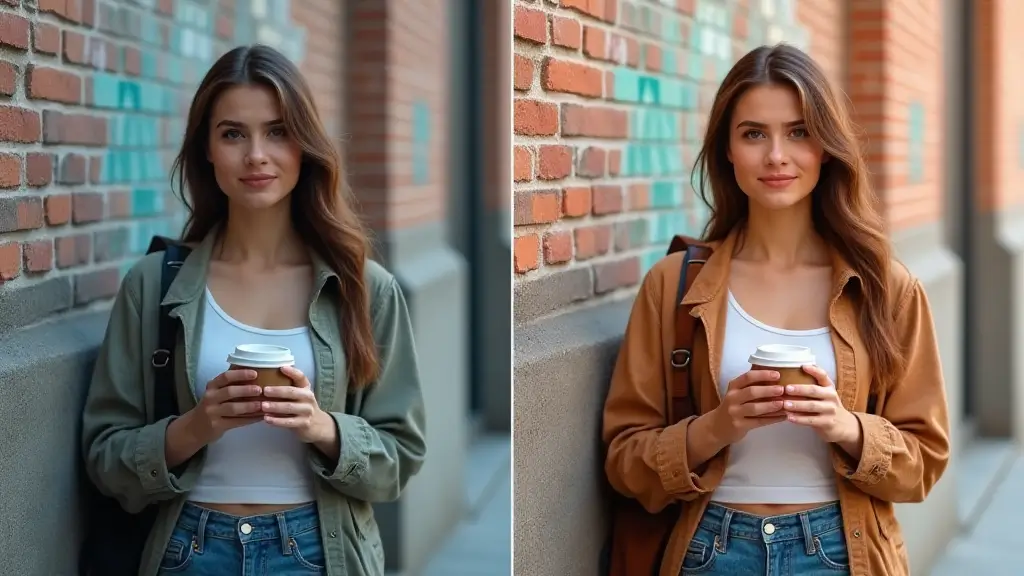
Upload one photo, type what you want changed, and the AI edits that part while keeping the rest of the image.
Erase photobombers, cables, signs, or clutter by writing an instruction such as "remove the person on the left".
Swap a shirt color, add sunglasses, change the season, or replace a product label with a single sentence.
Fix props, tidy the set, or update an approved image for a new campaign without booking another photoshoot.
Prompt-based editing replaces layers, masks, and brushes with one sentence, so anyone can make professional-looking edits.
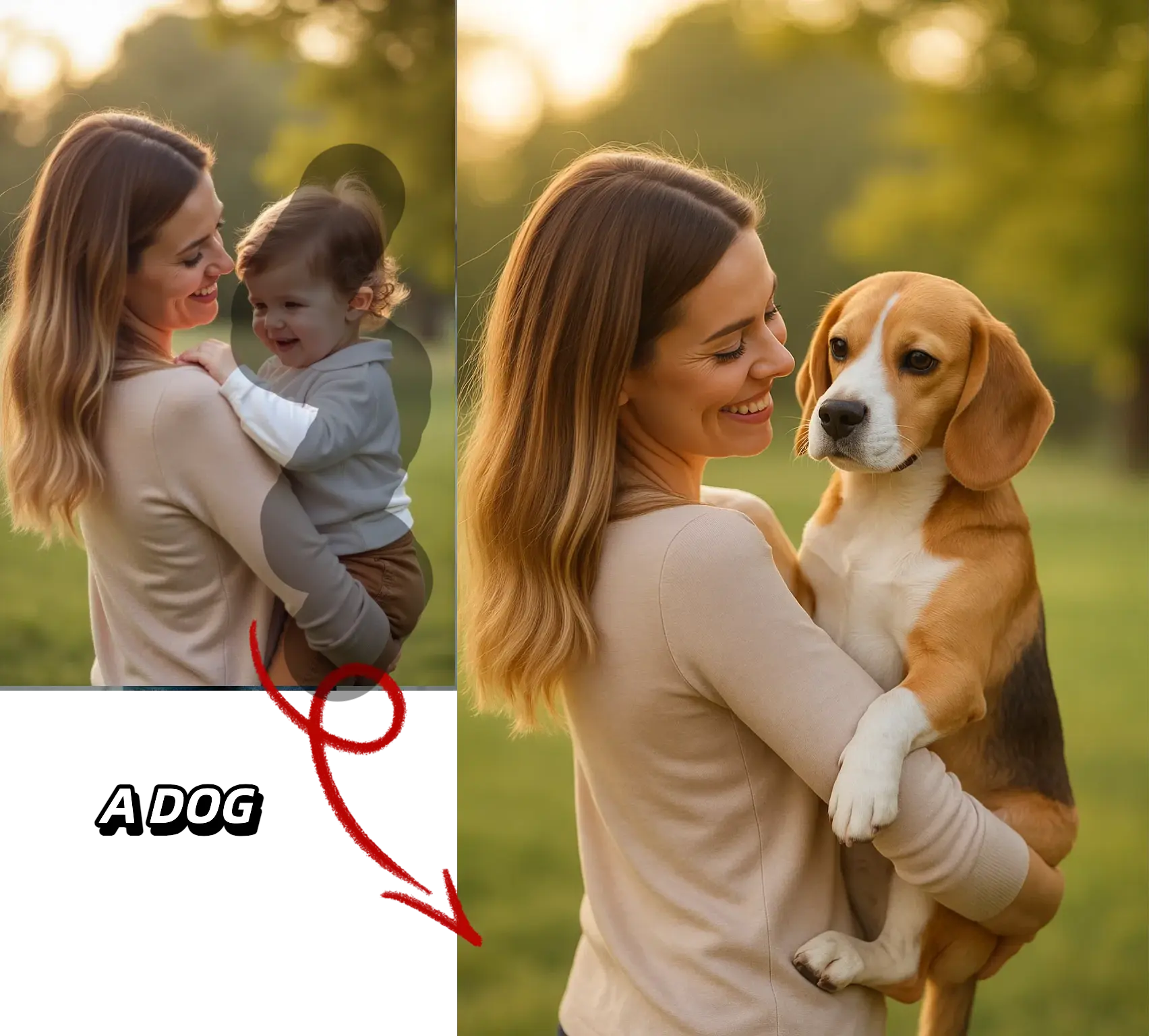
Edit any photo in three steps: upload, describe the change, and download
Add the image you want to edit. Clear, well-lit photos give the most accurate edits.
Write one specific instruction, such as "remove the trash can" or "change the jacket to red leather", then pick a model and resolution.
Compare the edit with the original, refine the prompt if needed, and download the final image.
Built for fast, targeted photo edits powered by leading image models.
Type instructions like "make the sky golden hour" or "replace the mug with a glass" instead of learning editing tools.
Remove, add, or swap objects, text, and background elements in a single pass.
Choose the model, aspect ratio, and resolution that fit your edit.
Not quite right? Refine the prompt and run it again until the edit matches what you pictured.
Send the edited photo to AI Image Enhancer or AI Image Upscaler for a sharper or larger final file.
Upload everyday photo formats and download the edited image when you are done.
Answers about prompt-based photo editing, results, and credits
Upload a photo, describe the change in one sentence, and download a clean edit without opening Photoshop.


